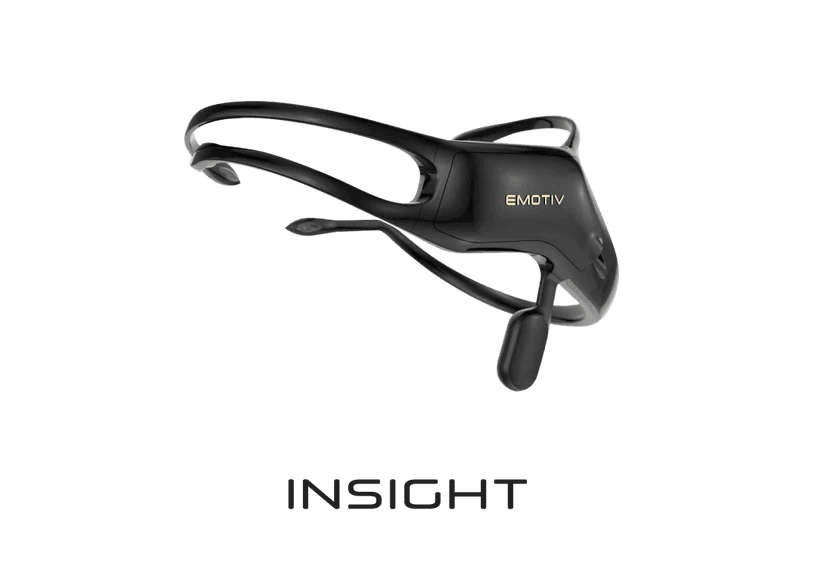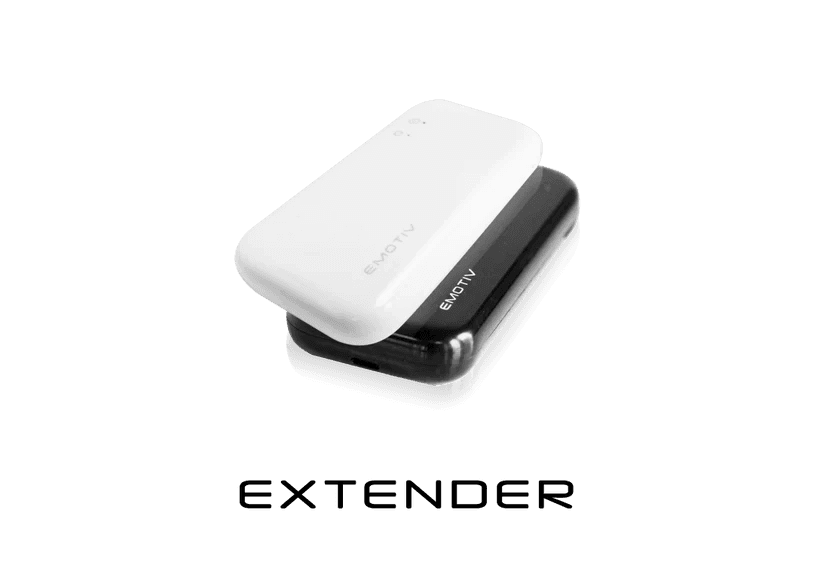




INSIGHT

Quick start guide

INSIGHT

Quick start guide

INSIGHT

Quick start guide

Download Emotiv Launcher

macOS 11

Big Sur 11.0 or above

Windows

Windows 10 (64-bit) v1809+
Windows 11 

Ubuntu Beta

22.04
(Beta release, 64-bit only)

Rasperry Pi Beta

OS – Debian version 11
(Beta release, 32-bit)
Not available on FLEX & MN8

Download Emotiv Launcher

macOS 11

Big Sur 11.0 or above

Windows

Windows 10 (64-bit) v1809+
Windows 11 

Ubuntu Beta

22.04
(Beta release, 64-bit only)

Rasperry Pi Beta

OS – Debian version 11
(Beta release, 32-bit)
Not available on FLEX & MN8

Download Emotiv Launcher

macOS 11

Big Sur 11.0 or above

Windows

Windows 10 (64-bit) v1809+
Windows 11 

Ubuntu Beta

22.04
(Beta release, 64-bit only)

Rasperry Pi Beta

OS – Debian version 11
(Beta release, 32-bit)
Not available on FLEX & MN8

Unboxing your Insight

Unboxing your Insight

Remove the sleeve from the box. When you open the box, you will find the following:

Remove the sleeve from the box. When you open the box, you will find the following:

Insight Travel Case

Insight Headset

Sensors Pack

USB-A to 3.5mm (TRRS) jack cable

Sensor Tips

Fluid Bottle

Hex Key

Semi-dry sensors

STEP 1

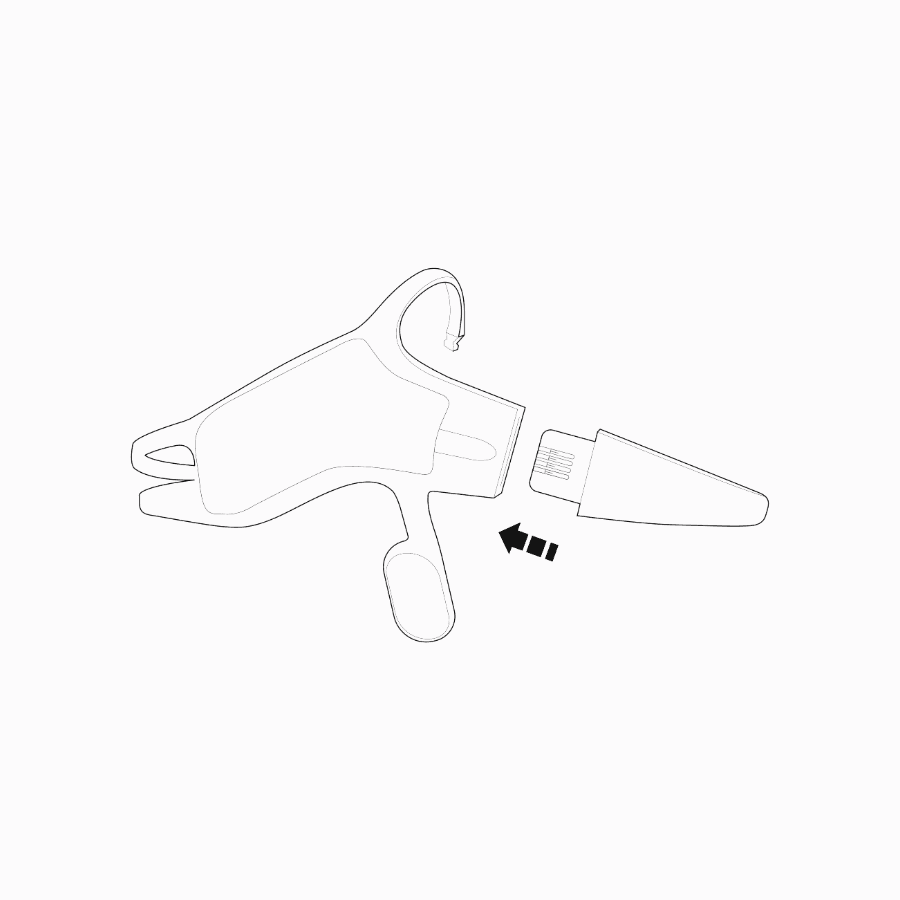
Attach the rear arm to the headset

Attach the rear arm connector to the headset body. The connector should slide fully into the slot and the arm should be flushed with the body.
STEP 2

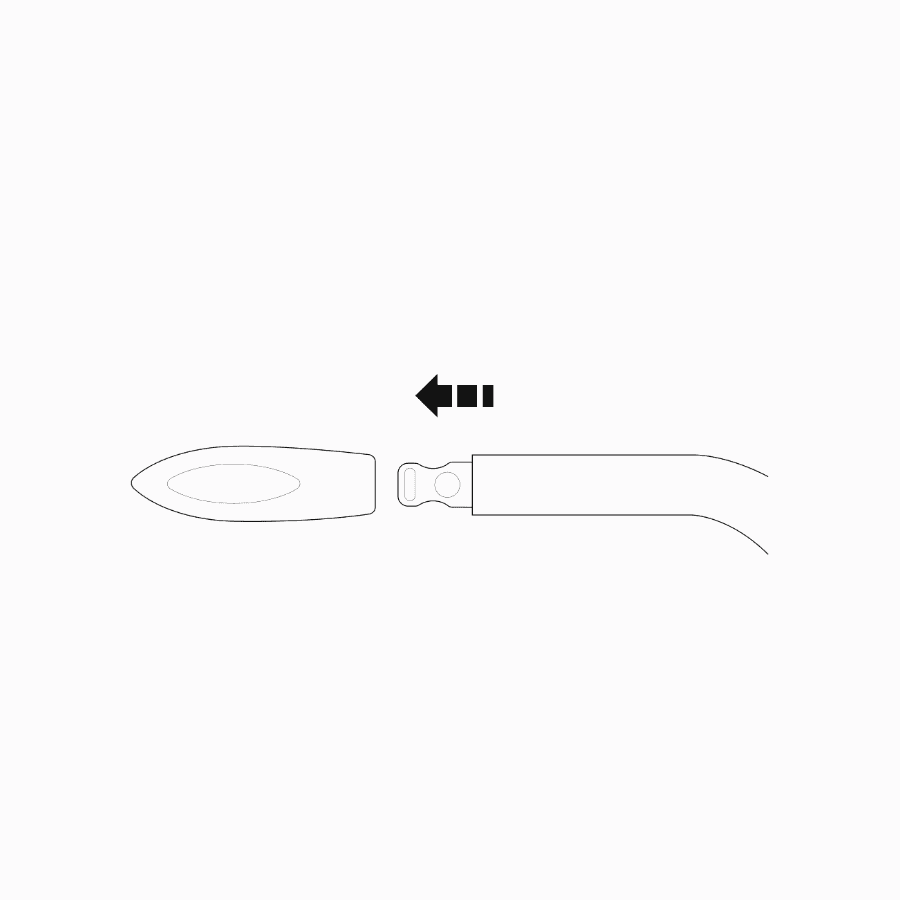
Attach the sensors to the headset

Attach a sensor to the end of each arm with the sensor pads facing inward. The sensors should snap in place and be flush with the arm.

Charging the Insight: Charge the Insight with the included cable. The Insight will attain full charge in about 2 hours.

Turning the Insight ON and OFF: The Insight’s ON/OFF button is above the charging port.

STEP 3

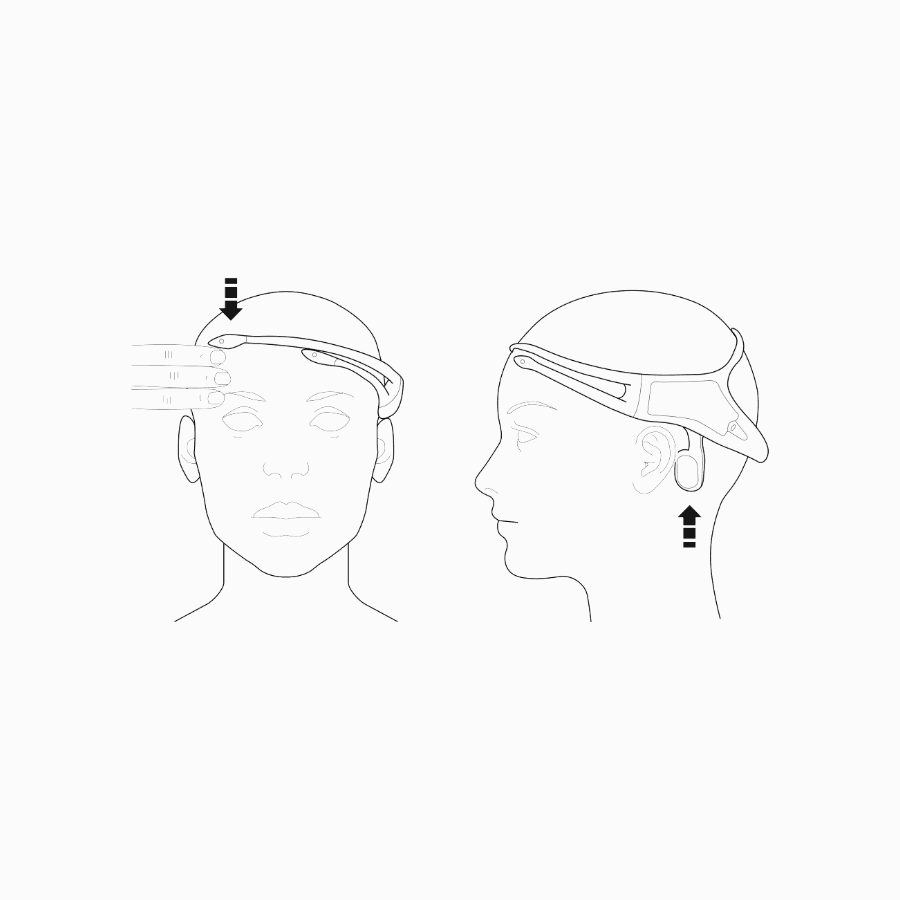
Correctly position the headset

Position the reference sensors to touch the skin behind the ear. It is critical that the reference sensors make contact with the skin behind the ear. If necessary, gently bend the reference sensor arm so that the sensors make contact with the skin.

Frontal sensors should align above each eye and should be positioned about three finger widths above the eyebrows. If necessary, re-moisten the sensor pads with the re-hydration solution.
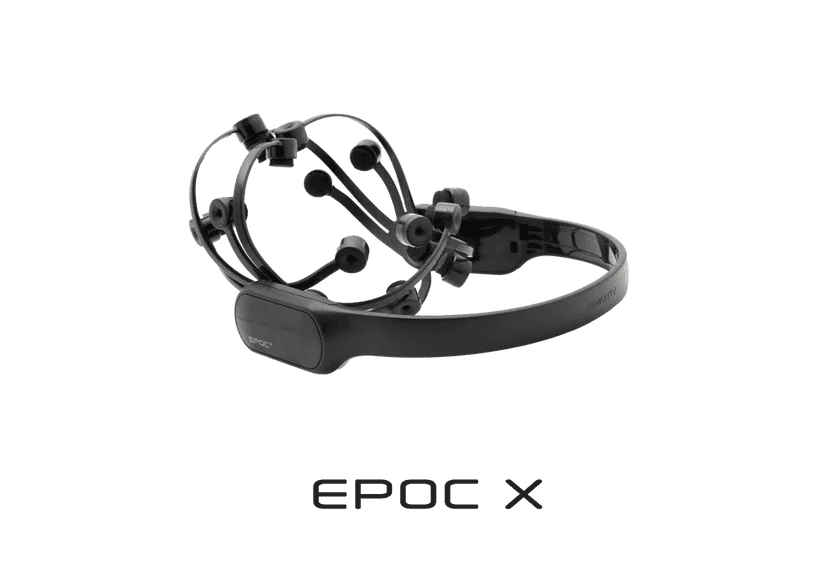
For more help regarding the usage of EMOTIV Epoc X, please consult the manual or contact customer support.

Quick Start Guide

Quick Start Guide

Quick Start Guide

© 2025 EMOTIV, All rights reserved.

Consent

Your Privacy Choices (Cookie Settings)

*Disclaimer – EMOTIV products are intended to be used for research applications and personal use only. Our products are not sold as Medical Devices as defined in EU directive 93/42/EEC. Our
products are not designed or intended to be used for diagnosis or treatment of disease.

© 2025 EMOTIV, All rights reserved.

Consent

Your Privacy Choices (Cookie Settings)

*Disclaimer – EMOTIV products are intended to be used for research applications and personal use only. Our products are not sold as Medical Devices as defined in EU directive 93/42/EEC. Our
products are not designed or intended to be used for diagnosis or treatment of disease.

© 2025 EMOTIV, All rights reserved.

Consent

Your Privacy Choices (Cookie Settings)

*Disclaimer – EMOTIV products are intended to be used for research applications and personal use only. Our products are not sold as Medical Devices as defined in EU directive 93/42/EEC. Our
products are not designed or intended to be used for diagnosis or treatment of disease.