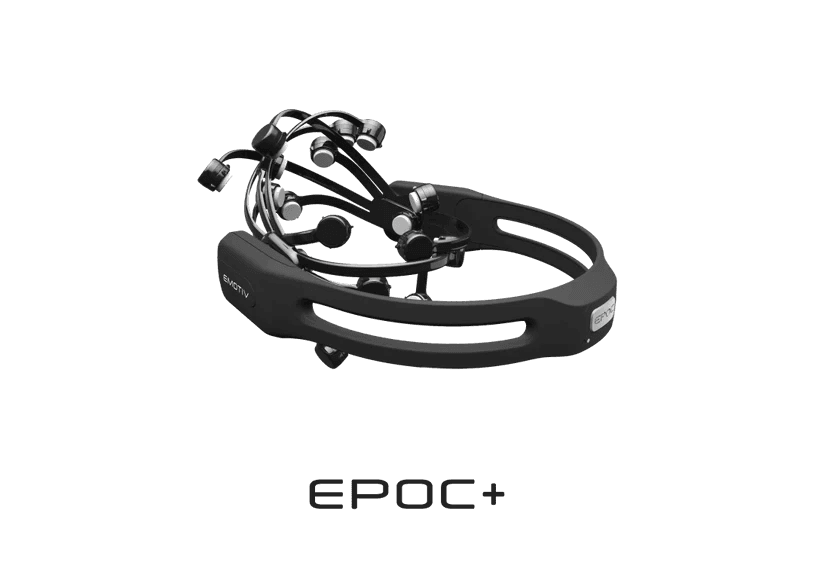




EPOC +

Quick start guide

EPOC +

Quick start guide

EPOC +

Quick start guide

Download Emotiv Launcher

macOS 11

Big Sur 11.0 or above

Windows

Windows 10 (64-bit) v1809+
Windows 11 

Ubuntu Beta

22.04
(Beta release, 64-bit only)

Rasperry Pi Beta

OS – Debian version 11
(Beta release, 32-bit)
Not available on FLEX & MN8

Download Emotiv Launcher

macOS 11

Big Sur 11.0 or above

Windows

Windows 10 (64-bit) v1809+
Windows 11 

Ubuntu Beta

22.04
(Beta release, 64-bit only)

Rasperry Pi Beta

OS – Debian version 11
(Beta release, 32-bit)
Not available on FLEX & MN8

Download Emotiv Launcher

macOS 11

Big Sur 11.0 or above

Windows

Windows 10 (64-bit) v1809+
Windows 11 

Ubuntu Beta

22.04
(Beta release, 64-bit only)

Rasperry Pi Beta

OS – Debian version 11
(Beta release, 32-bit)
Not available on FLEX & MN8

STEP 1

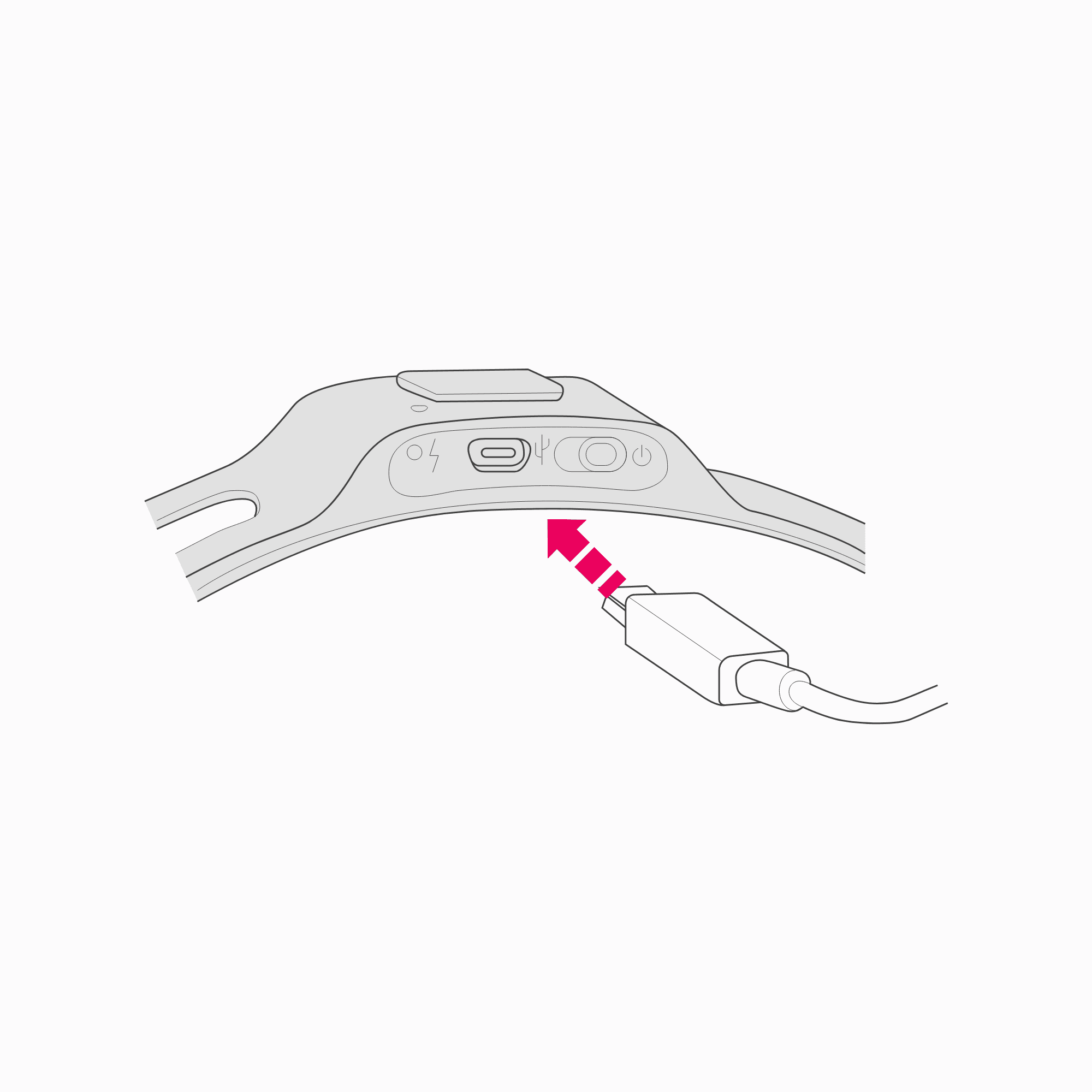
Charge your headset

Set your headset to the “off” position before charging. It takes about 4 hours for the headset to be charged completely. The headset should not be charged on the head.
STEP 2

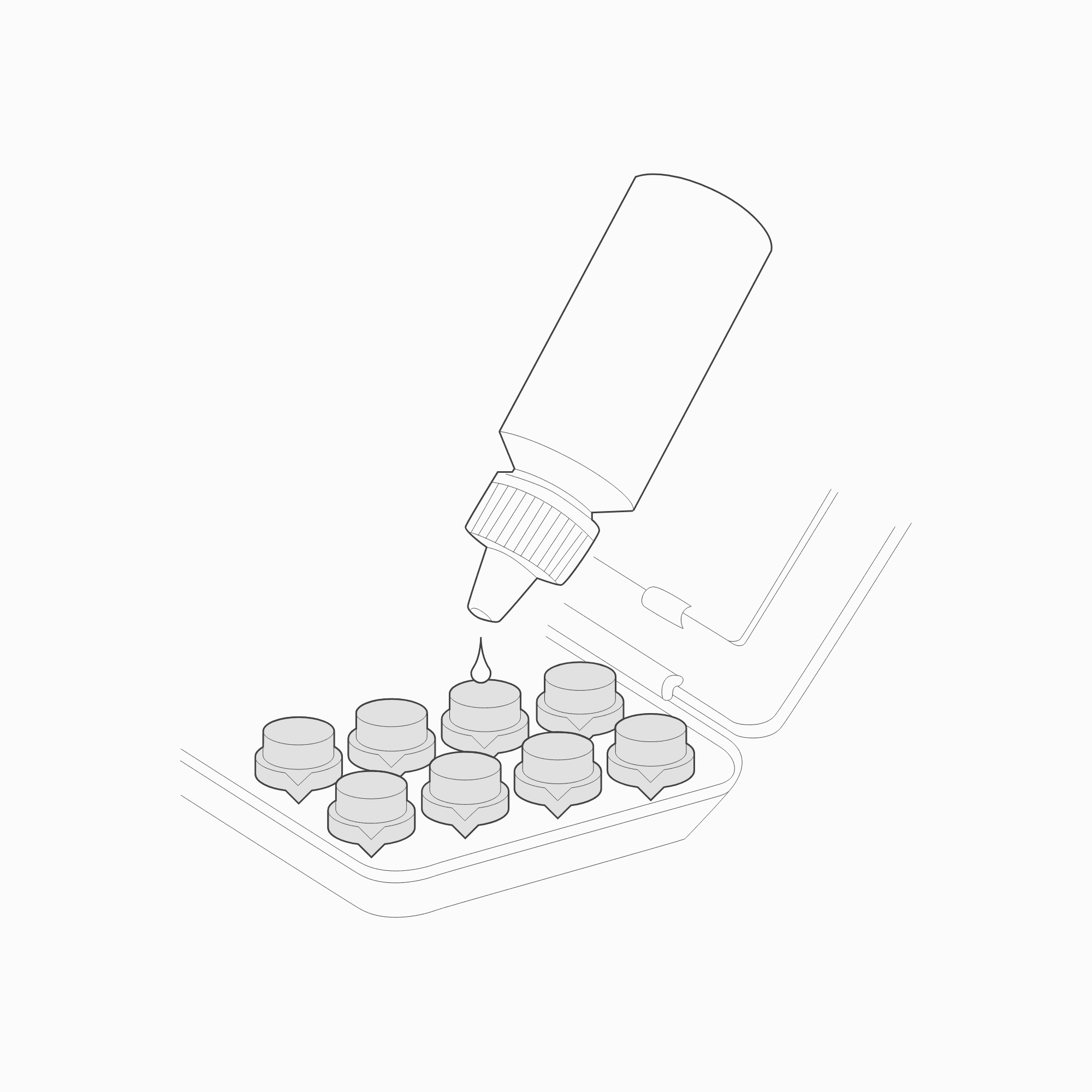
Hydrate the sensors

Always hydrate the sensors in the provided Hydrator Pack. The felt pads must be fully saturated with saline solution for good contact to be achieved. Keep the large white hydrator pad on the top cover of the hydrator pack dry. This will help the felt pads dry when they are not in use and reduce oxidation.

Note: Replenish with standard multipurpose contact lens saline solution.

STEP 3

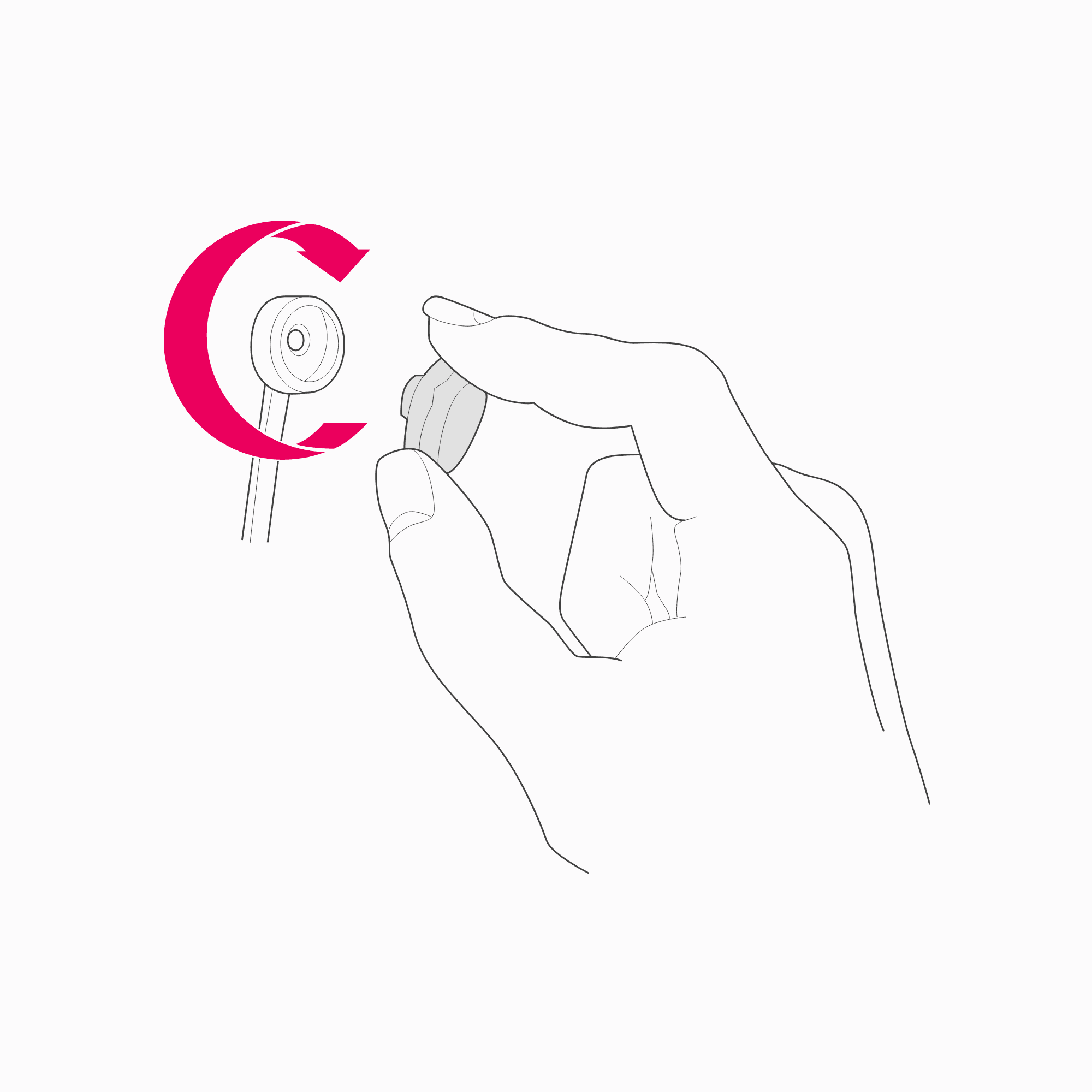
Install the sensors

Remove the sensor units with their felt pads from the hydrator pack and insert each one into the black plastic headset arms, gently turning each one clockwise one-quarter turn until you feel a “click.” Take care not to force sensors in place. The sensor units should be stored in the hydrator pack when not in use.
STEP 4

Fitting the headset

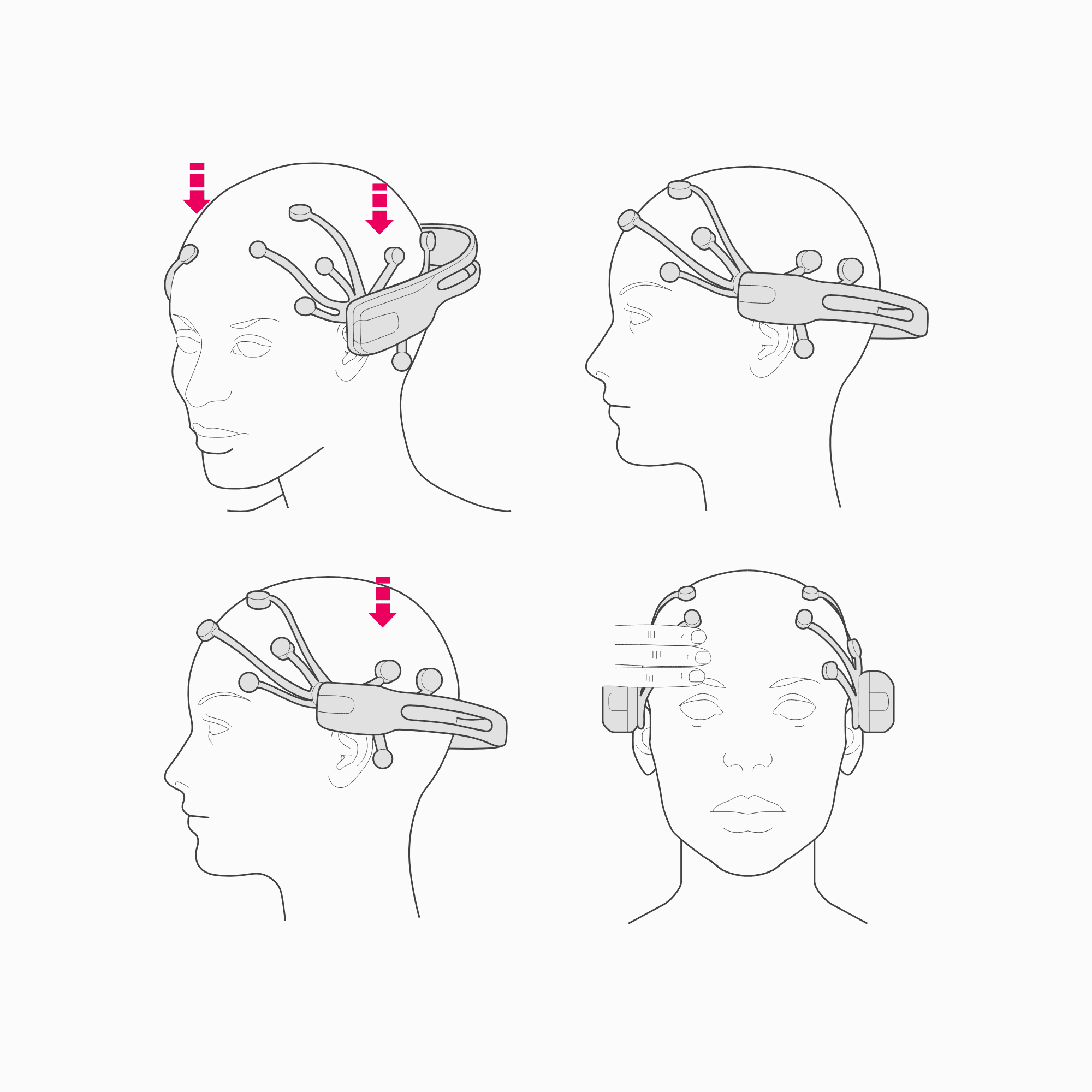
Using both hands, slide the headset down from the top of your head. WARNING: DO NOT STRETCH OPEN THE HEADSET. It should glide onto the head.


Position these sensors on the bone just behind each ear lobe. Correct placement of the reference sensors is critical for correct operation.

The two front sensors should be approximately at the hairline or about the width of 3 fingers above the eyebrows.


Pair your EPOC/EPOC+ via Bluetooth or USB.

Press and hold the 2 reference sensors (located just above and behind your ears) for about 20 seconds.
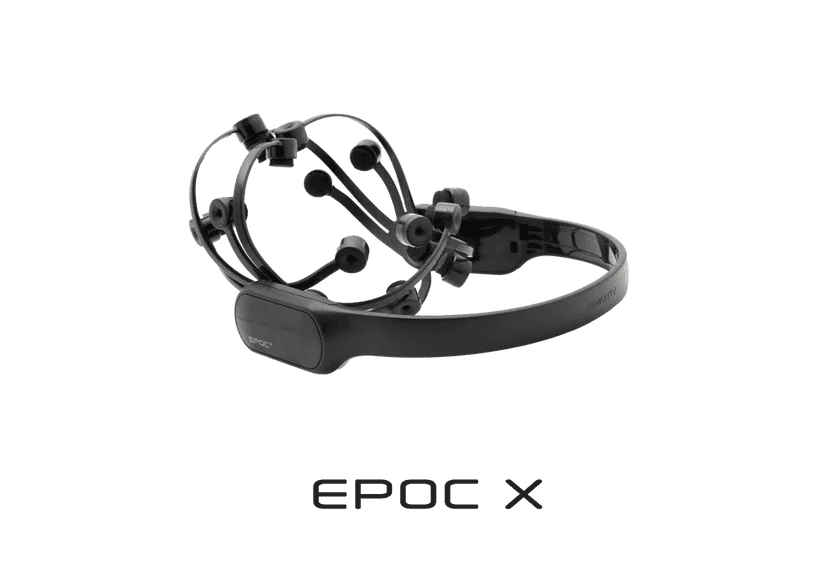
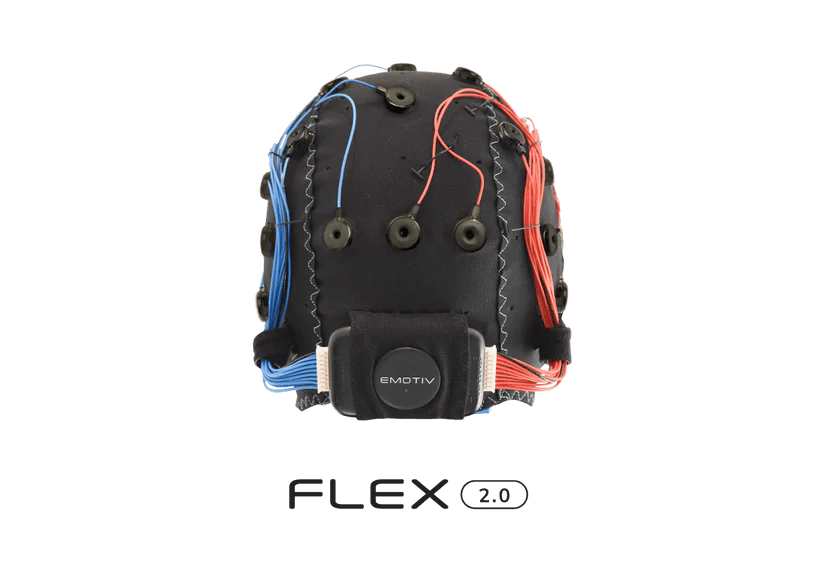
For more help regarding the usage of EMOTIV Epoc X, please consult the manual or contact customer support.

Quick Start Guide

Quick Start Guide

Quick Start Guide

© 2025 EMOTIV, All rights reserved.

Consent

Your Privacy Choices (Cookie Settings)

*Disclaimer – EMOTIV products are intended to be used for research applications and personal use only. Our products are not sold as Medical Devices as defined in EU directive 93/42/EEC. Our
products are not designed or intended to be used for diagnosis or treatment of disease.

© 2025 EMOTIV, All rights reserved.

Consent

Your Privacy Choices (Cookie Settings)

*Disclaimer – EMOTIV products are intended to be used for research applications and personal use only. Our products are not sold as Medical Devices as defined in EU directive 93/42/EEC. Our
products are not designed or intended to be used for diagnosis or treatment of disease.

© 2025 EMOTIV, All rights reserved.

Consent

Your Privacy Choices (Cookie Settings)

*Disclaimer – EMOTIV products are intended to be used for research applications and personal use only. Our products are not sold as Medical Devices as defined in EU directive 93/42/EEC. Our
products are not designed or intended to be used for diagnosis or treatment of disease.