Challenge your memory! Play the new N-Back game in the Emotiv App
Challenge your memory! Play the new N-Back game in the Emotiv App
Challenge your memory! Play the new N-Back game in the Emotiv App

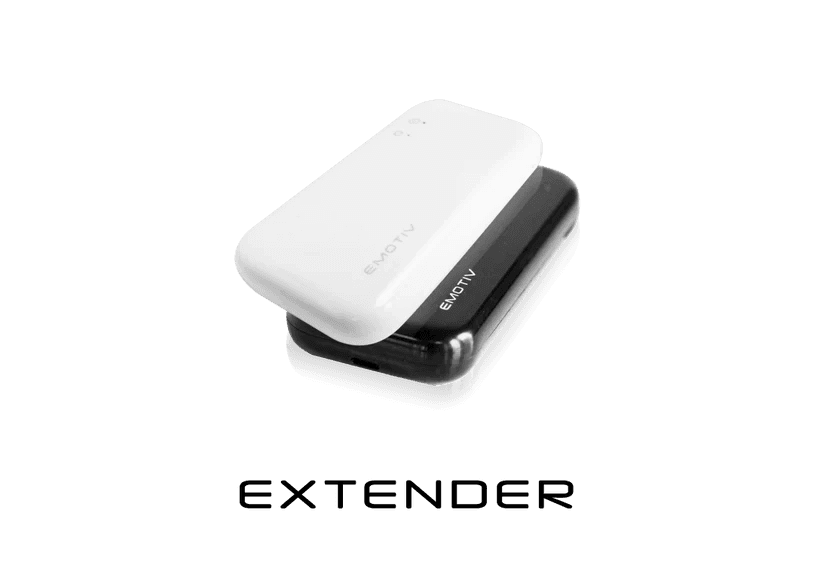
EXTENDER
Quick start guide
EXTENDER
Quick start guide
EXTENDER
Quick start guide
Power-only Mode
SD Card Recording Mode
Pass-through Mode
USB Drive Mode
Hardware Triggering
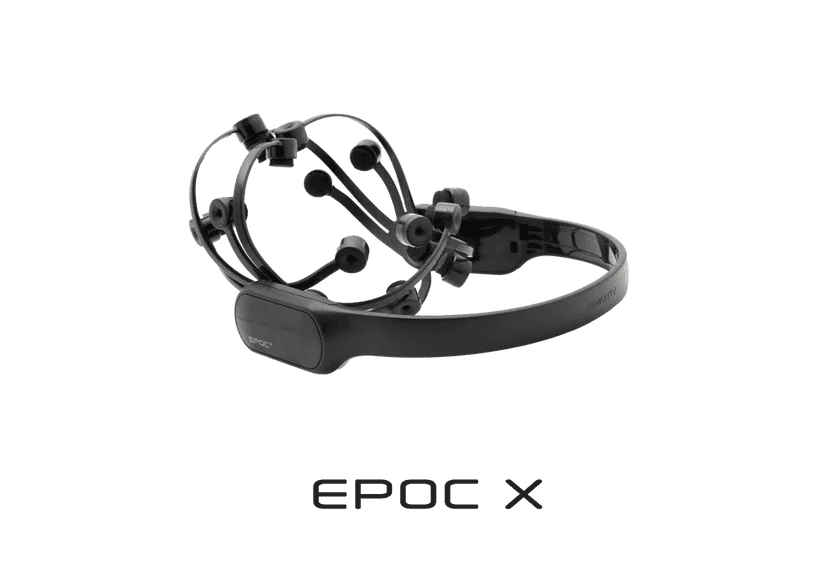
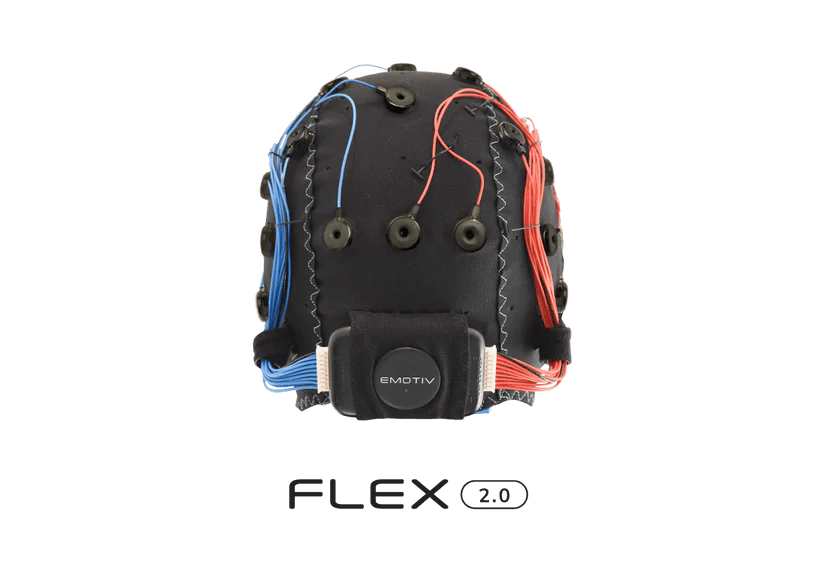
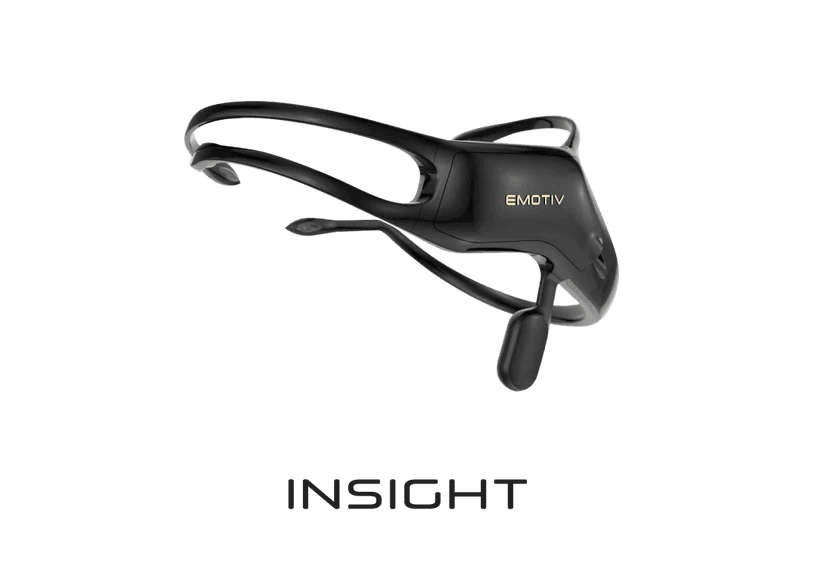
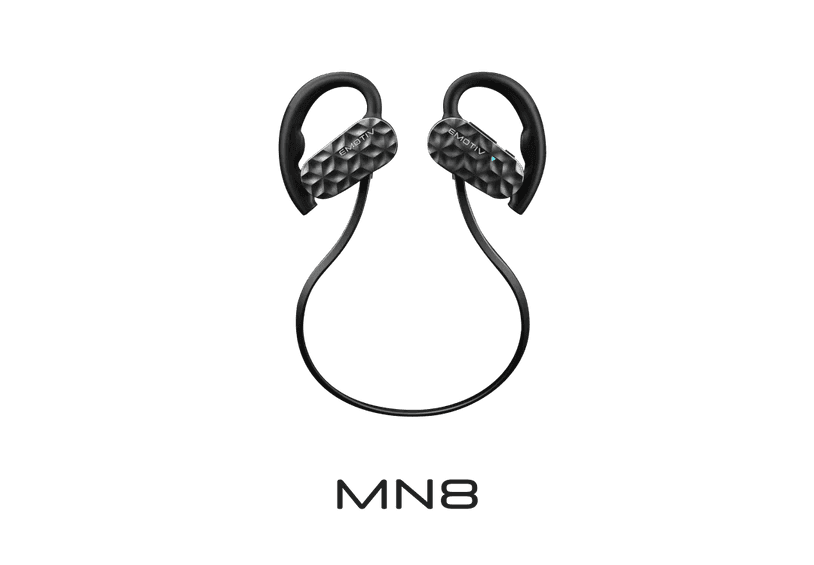
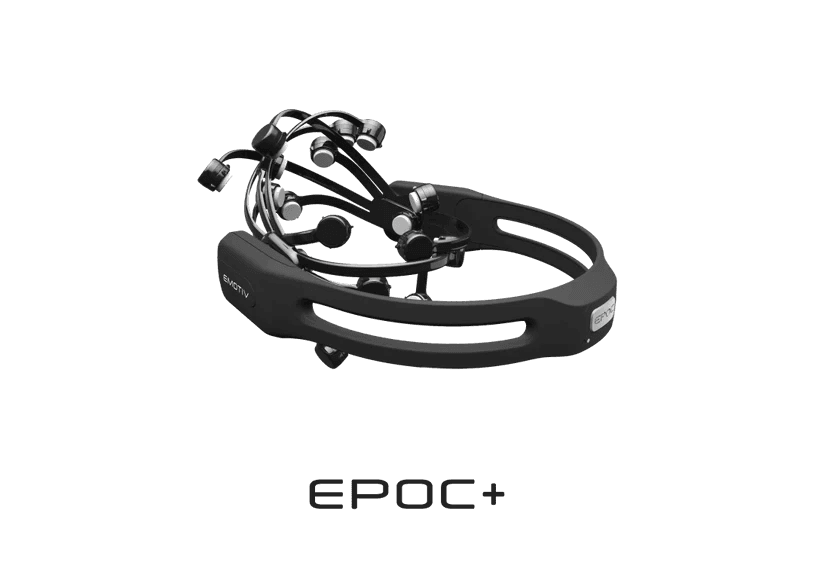
Extender is designed to be used to extend the battery life of your EMOTIV headset when communicating wirelessly. This is useful if you are using 256Hz EEG and 128Hz motion data which is power-intensive.
STEP 1
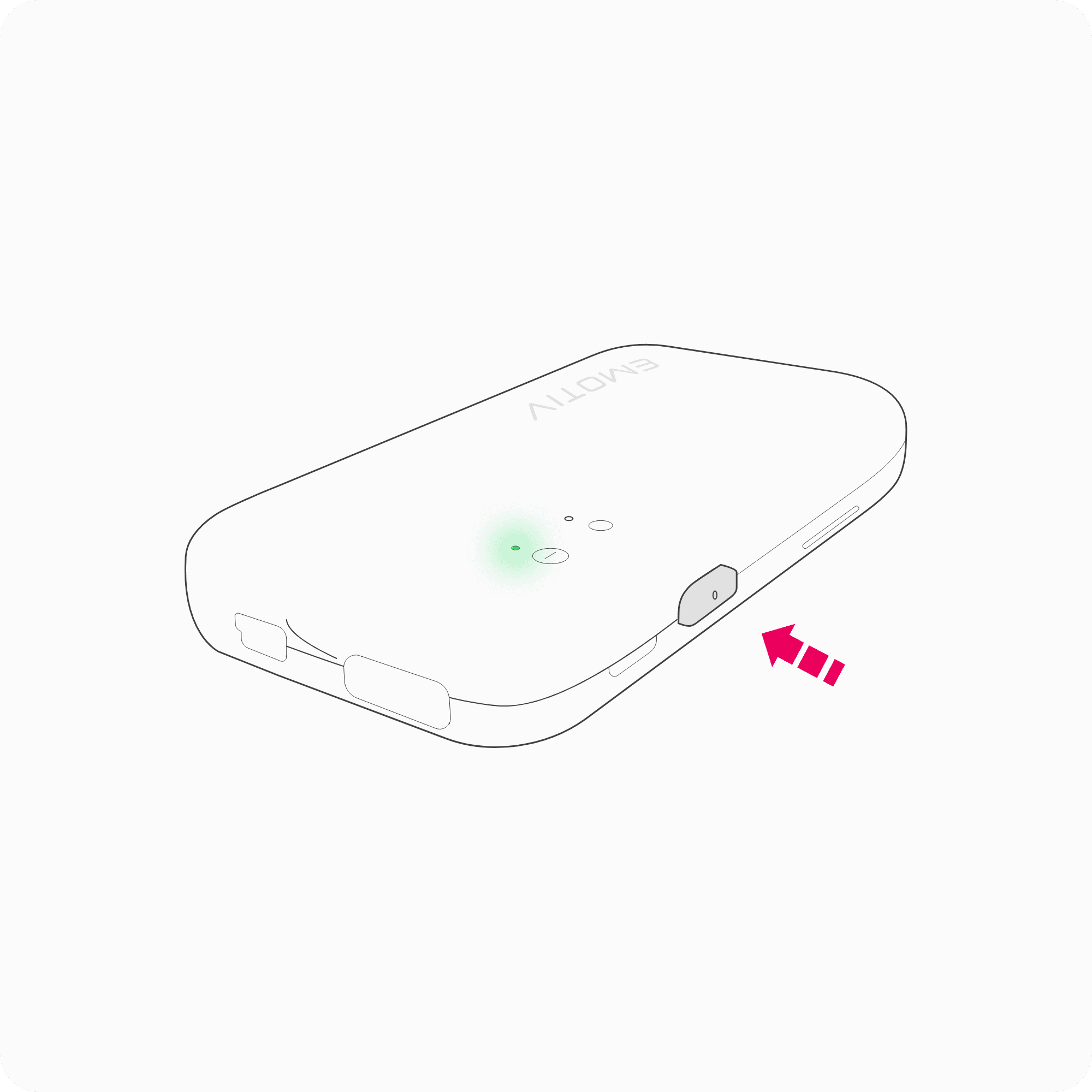
Turn Extender ON
Turn ON Extender by holding the push button for 2 seconds, the status LED will turn green.
STEP 2
Turn ON Headset
Turn on the headset and pair it to a dongle (USB Receiver) or BLE device.
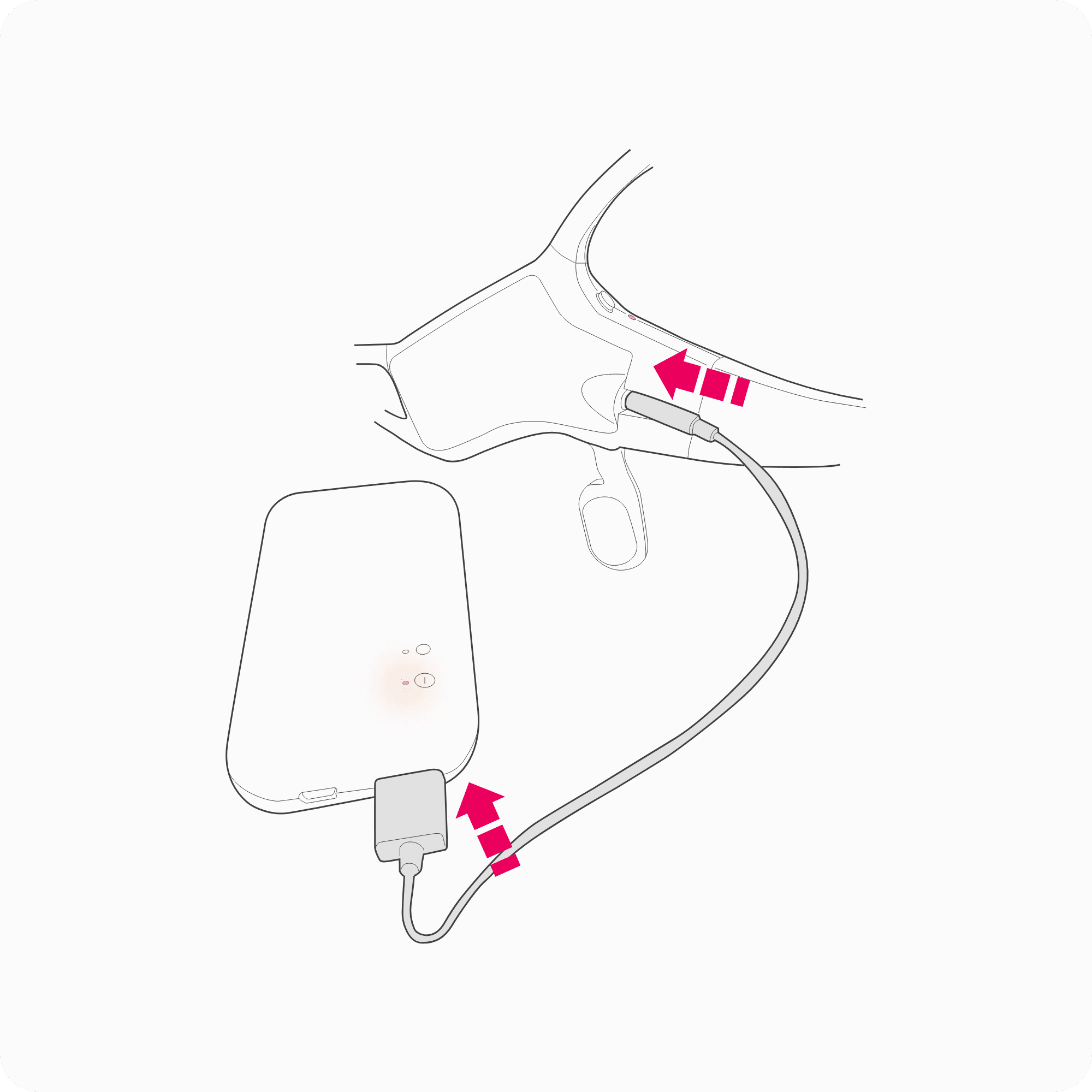
STEP 3
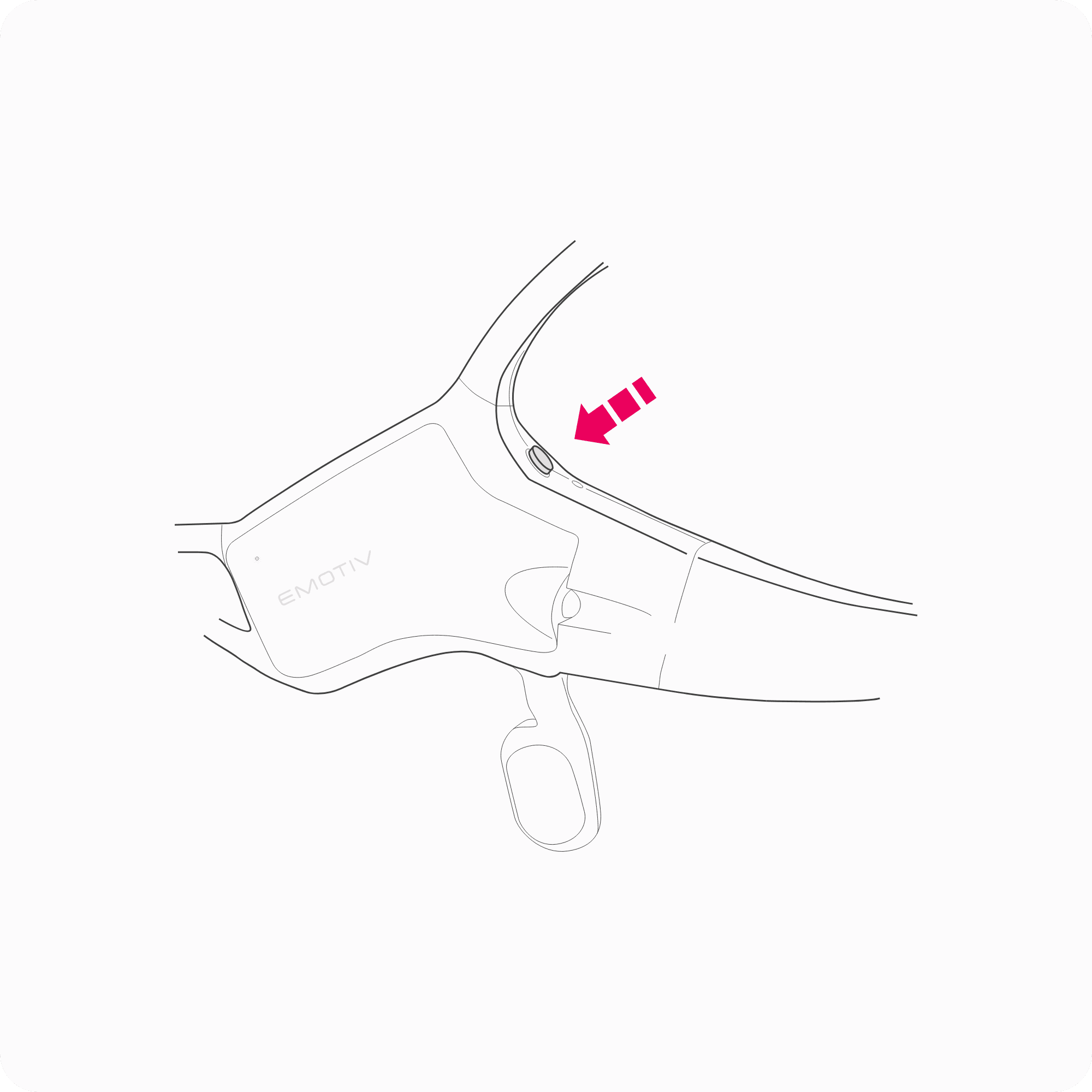
Plug to a Headset
Plug the headset into the headset USB port of Extender using a supplied headset charge cable.
The headset will disconnect momentarily and should re-connect, if it doesn’t the firmware of your headset might be out of date. The status LED will turn orange and the charge LEDs on the head should also show orange.
Power-only Mode
SD Card Recording Mode
Pass-through Mode
USB Drive Mode
Hardware Triggering
Extender is designed to be used to extend the battery life of your EMOTIV headset when communicating wirelessly. This is useful if you are using 256Hz EEG and 128Hz motion data which is power-intensive.
STEP 1
Turn Extender ON
Turn ON Extender by holding the push button for 2 seconds, the status LED will turn green.
STEP 2
Turn ON Headset
Turn on the headset and pair it to a dongle (USB Receiver) or BLE device.
STEP 3
Plug to a Headset
Plug the headset into the headset USB port of Extender using a supplied headset charge cable.
The headset will disconnect momentarily and should re-connect, if it doesn’t the firmware of your headset might be out of date. The status LED will turn orange and the charge LEDs on the head should also show orange.
Power-only Mode
SD Card Recording Mode
Pass-through Mode
USB Drive Mode
Hardware Triggering
Extender is designed to be used to extend the battery life of your EMOTIV headset when communicating wirelessly. This is useful if you are using 256Hz EEG and 128Hz motion data which is power-intensive.
STEP 1
Turn Extender ON
Turn ON Extender by holding the push button for 2 seconds, the status LED will turn green.
STEP 2
Turn ON Headset
Turn on the headset and pair it to a dongle (USB Receiver) or BLE device.
STEP 3
Plug to a Headset
Plug the headset into the headset USB port of Extender using a supplied headset charge cable.
The headset will disconnect momentarily and should re-connect, if it doesn’t the firmware of your headset might be out of date. The status LED will turn orange and the charge LEDs on the head should also show orange.