
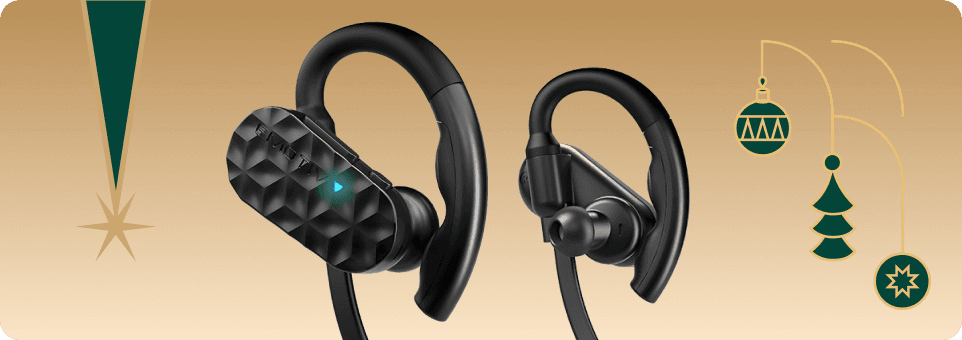


Emotiv Epoc X
14通道无线脑电图耳机
Emotiv Epoc X是一款14通道无线EEG耳机,专为专业的脑数据收集设计。它配备盐水传感器、旋转头带以增加舒适性、蓝牙5.0,并且续航时间可达9小时——非常适合移动神经科学研究。
Optimized for Human-Centered Interaction
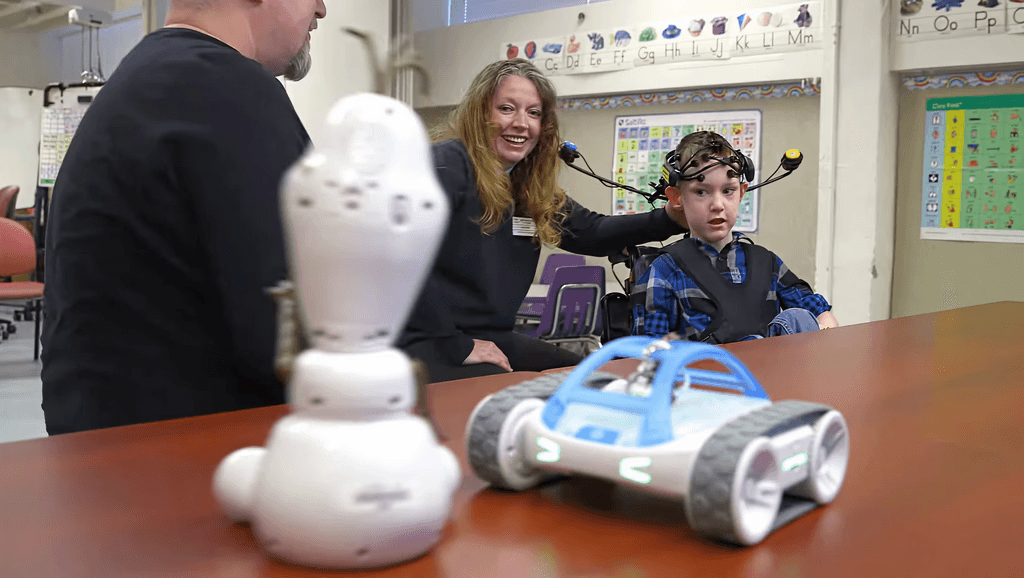
EmotivBCI turns human intent into usable control inputs you can deploy swiftly with confidence. Use trained mental commands on their own or combine them with facial expressions, performance metrics, and head movement. Optimized for stable recognition across repeated actions, our brain computer interface software uses advanced machine learning to control applications, trigger workflows, and power real-world interactions—from assistive technology to apps, games, music, art, and IoT systems.
How Does BCI Work?
BCI converts brain activity data, facial expressions, and head movements into digital signals that can control endless devices and applications.
Mental Commands
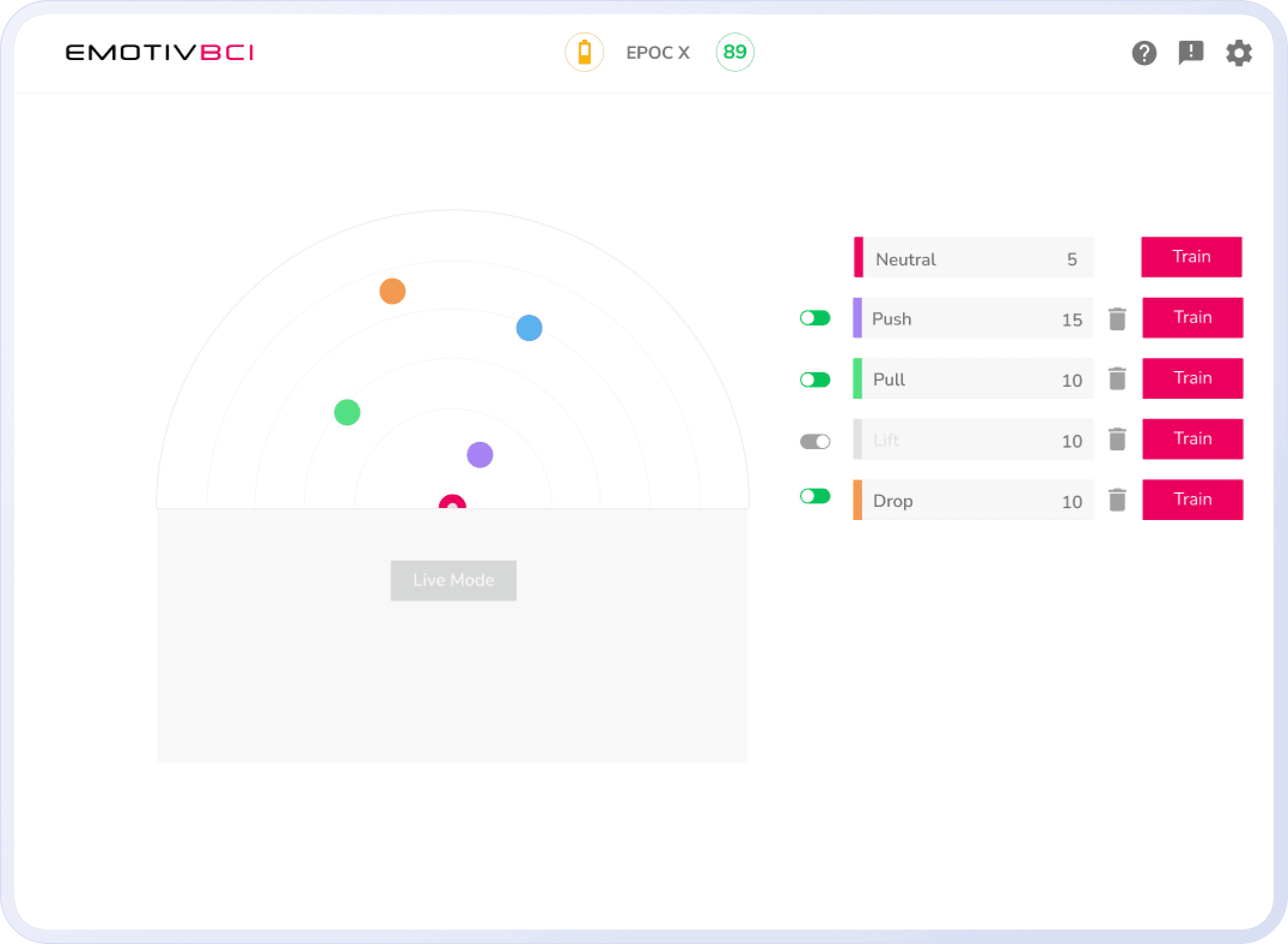
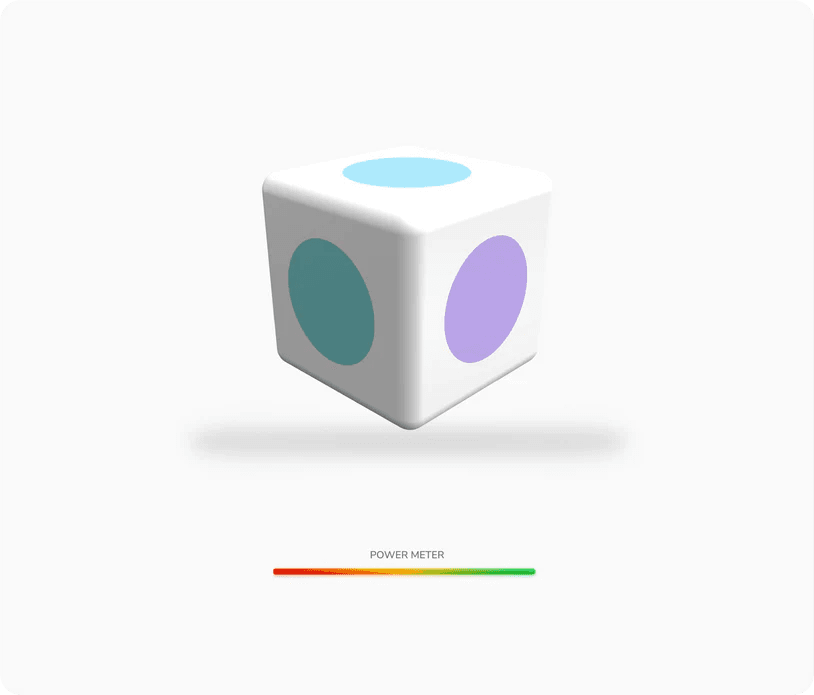
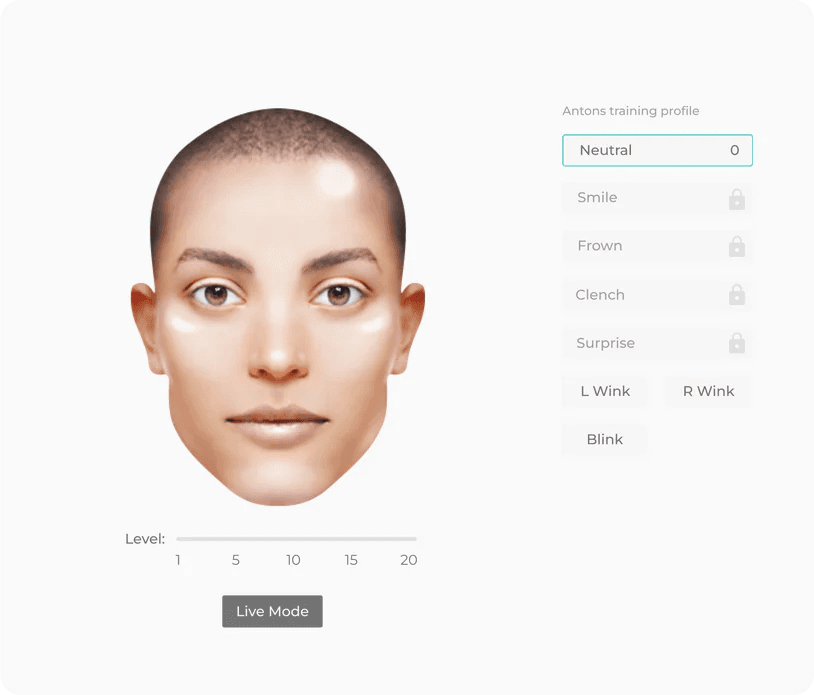
Trigger actions with thoughts you’ve trained the BCI to recognize.
Performance Metrics
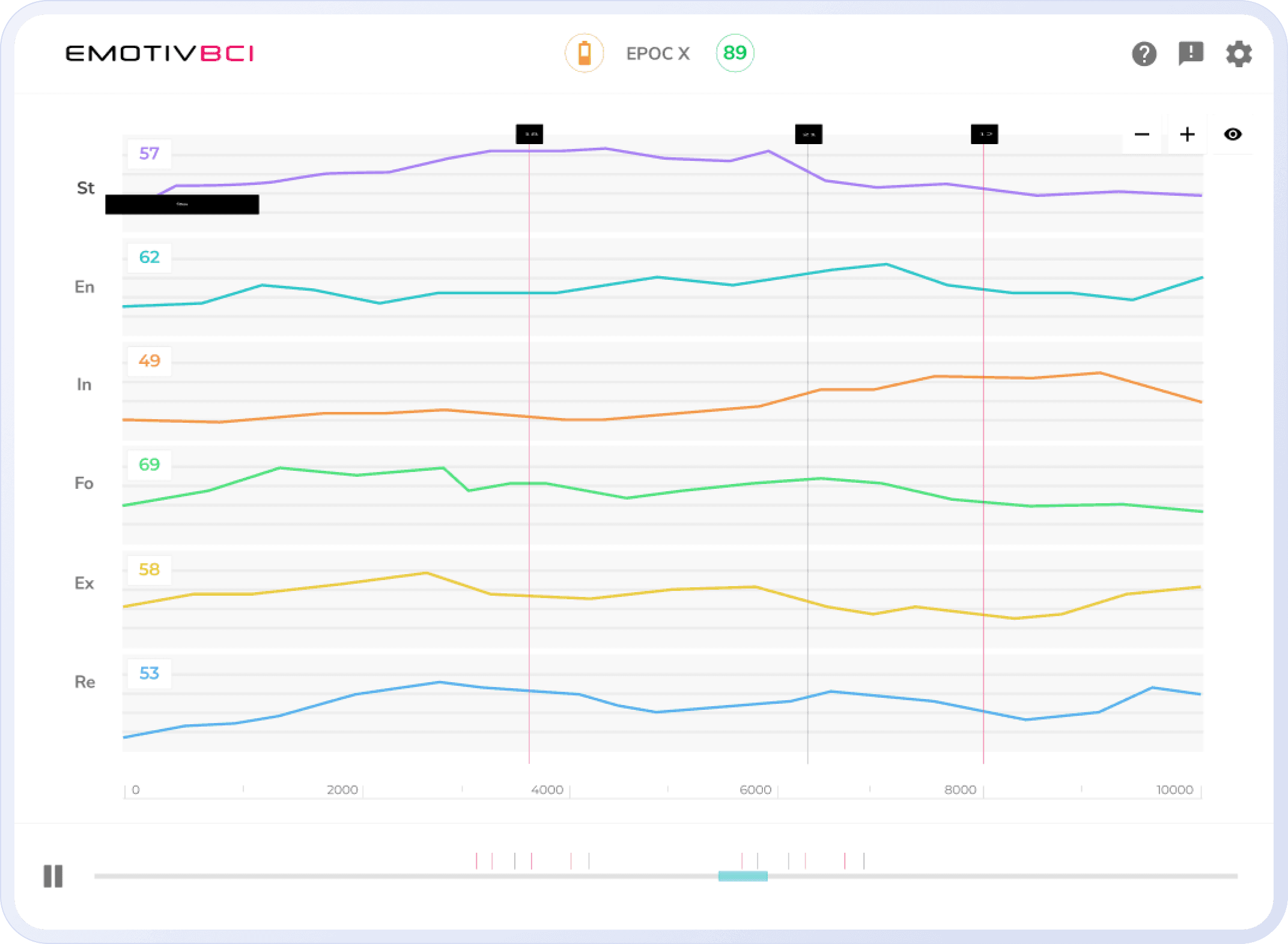
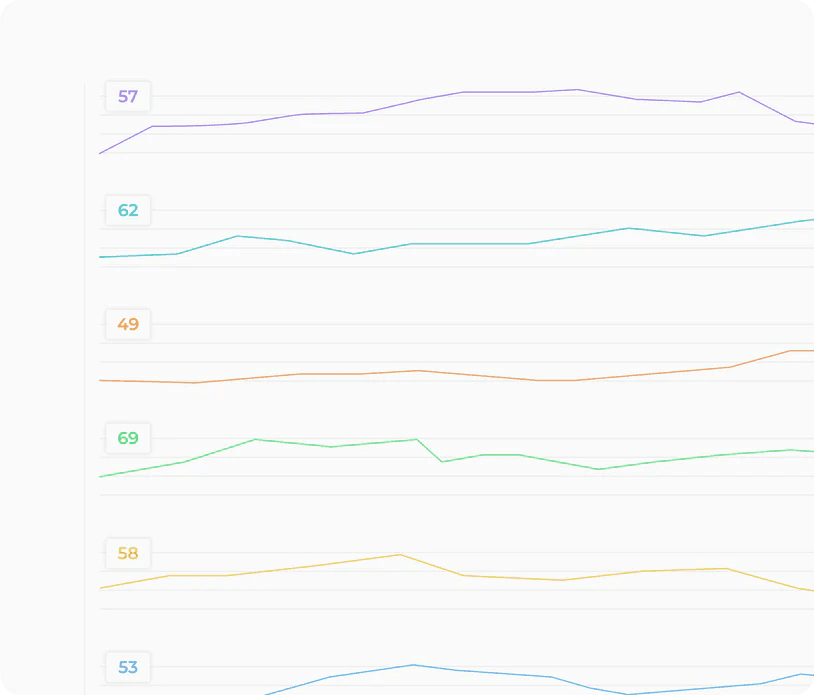
Drive outcomes using real-time cognitive states like focus or engagement.
Facial Expressions
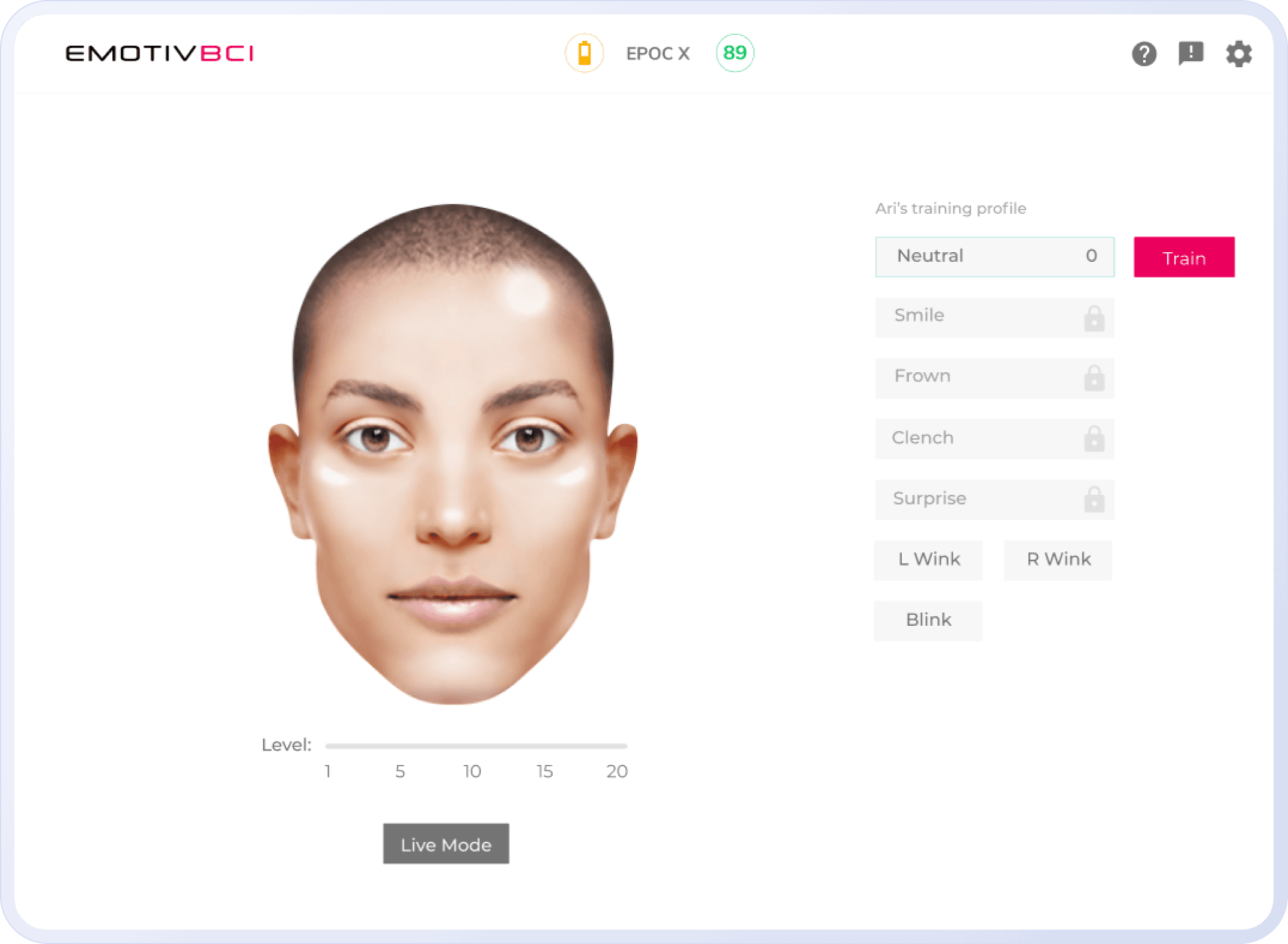
Use expressions or eye movements to control—no training needed.
Motion Sensors
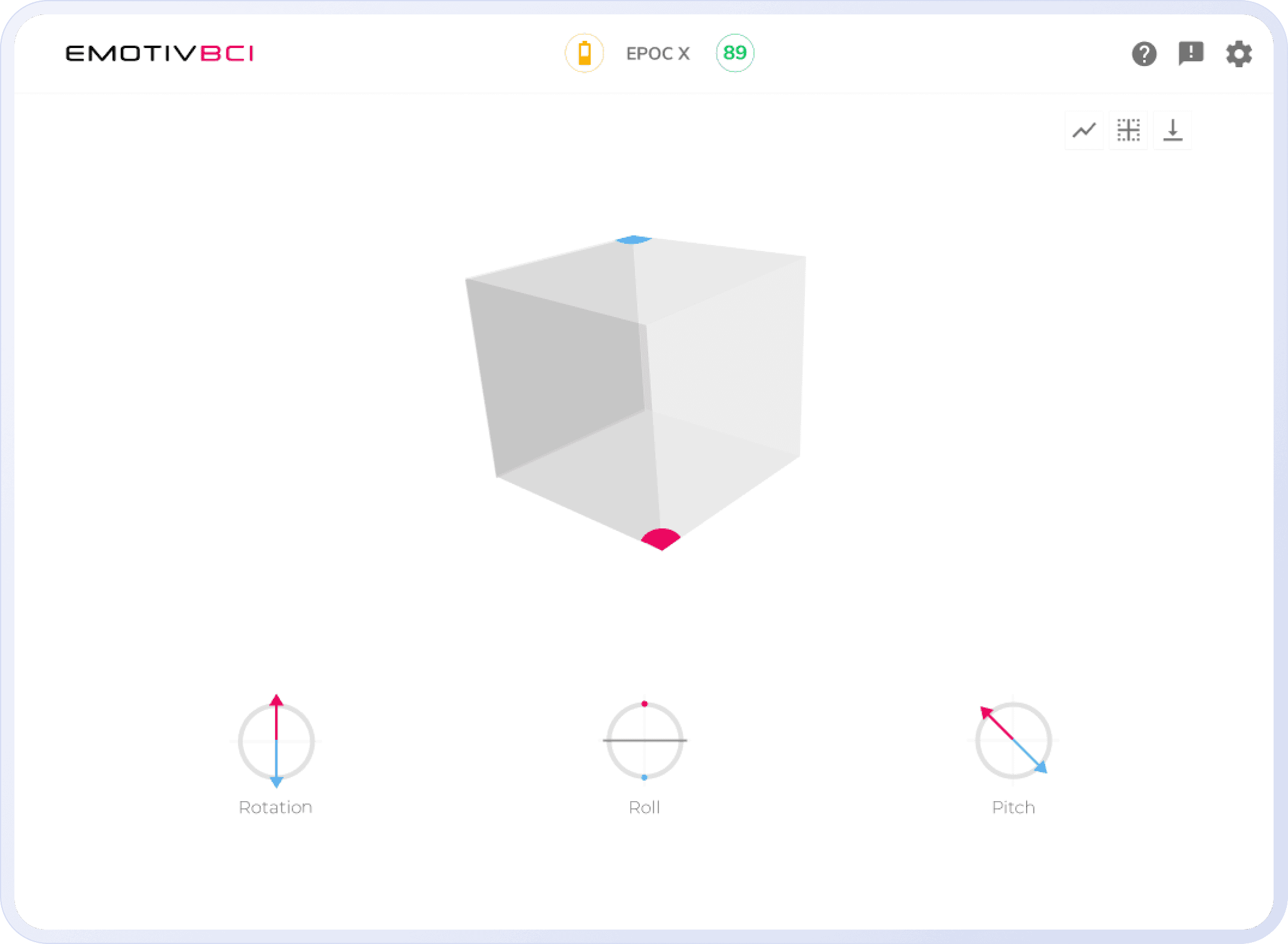
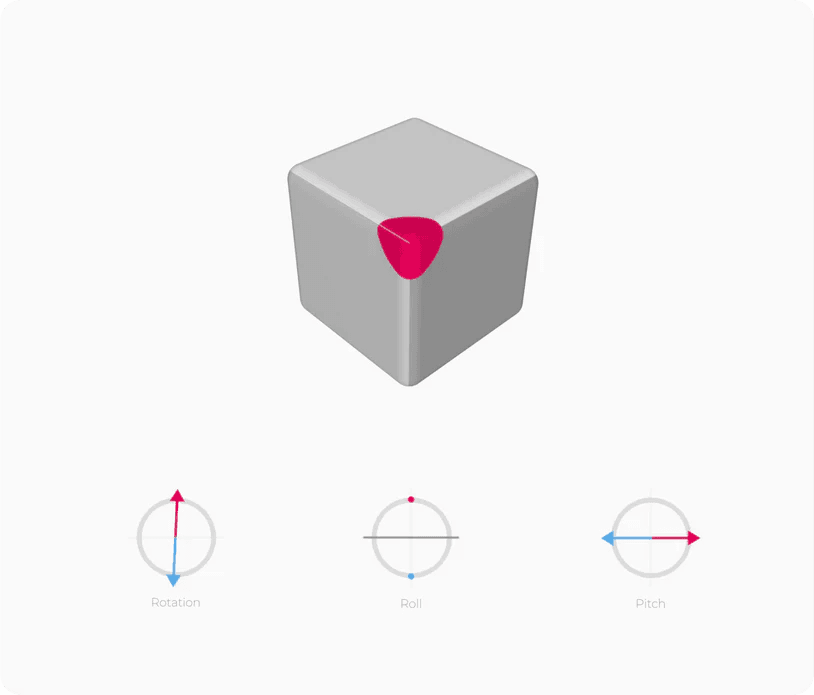
Move your head to navigate or trigger directional control.
精准 EEG。无论你走到哪里。
Epoc X 捕获高分辨率 EEG 数据,具有无线移动的自由——赋能研究人员、开发人员和各地的先驱。
Choose the Right Headset for BCI
Our EEG headsets capture your brain’s signals with high accuracy and comfort
ideal for live control, feedback, and neuro-adaptive experiences.
Unlimited Profiles. Personalized Control.
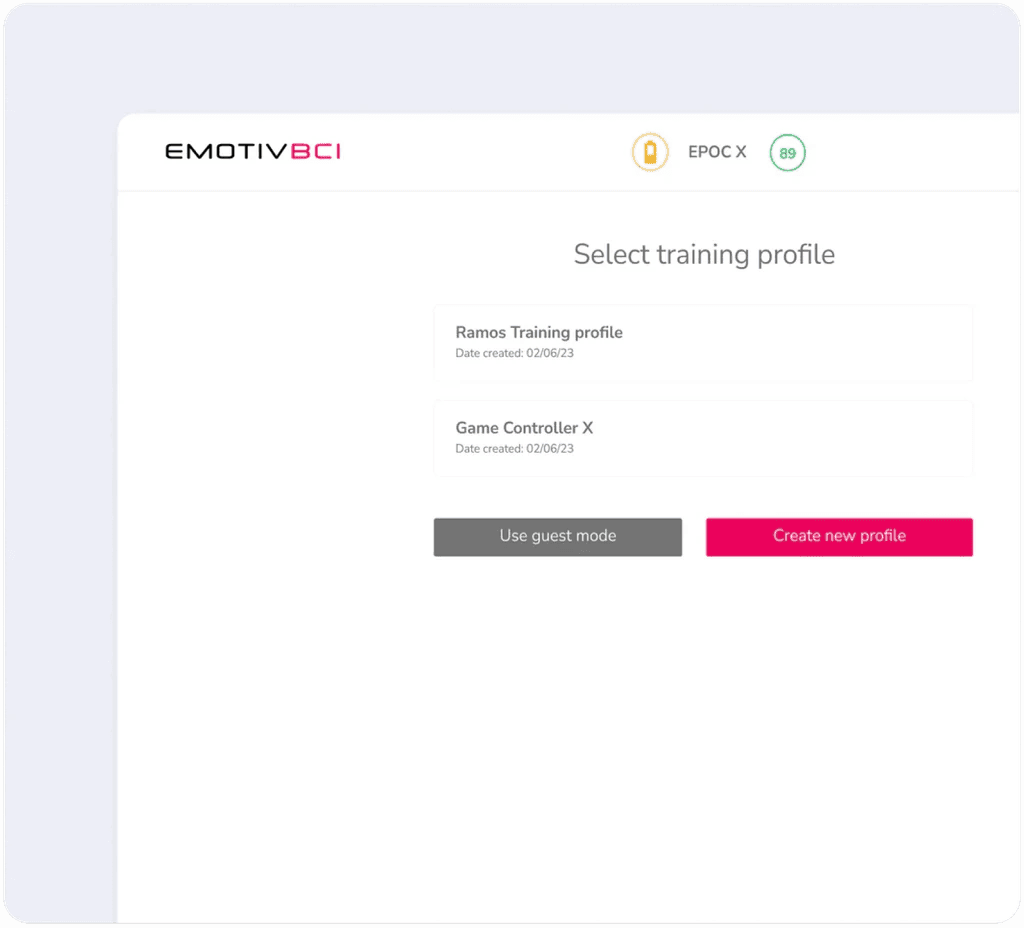
Create and switch between multiple training profiles tailored to different tasks, contexts, or users.
Where Imagination
Meets Control
From music to gaming, Emotiv BCI powers new ways to create, perform, and interact—with just your mind.



Extend What BCI Can Do
Connect Emotiv BCI with third-party platforms and tools to unlock even more flexibility.
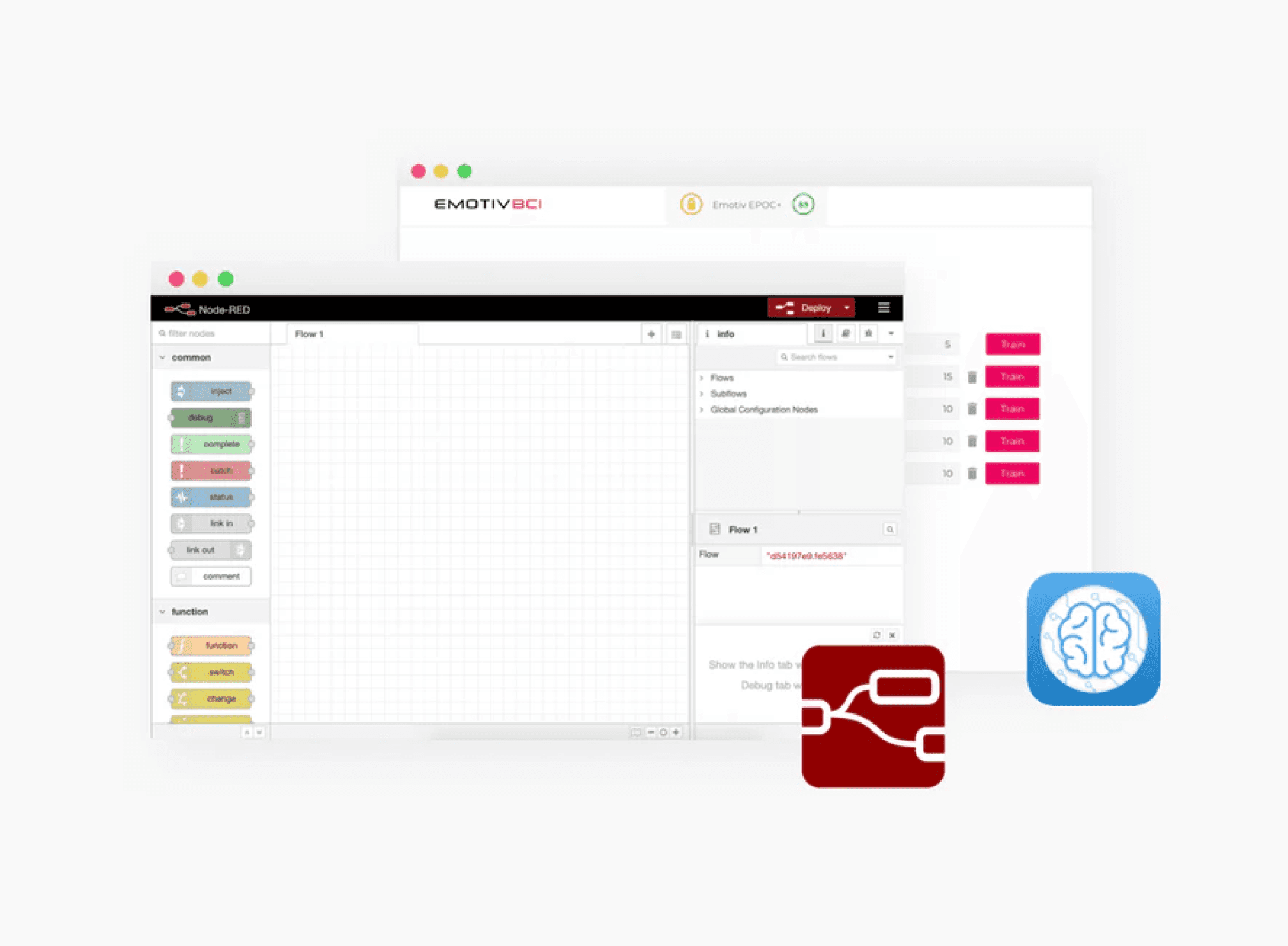
Node-Red Toolbox
Customize logic flows without writing code.
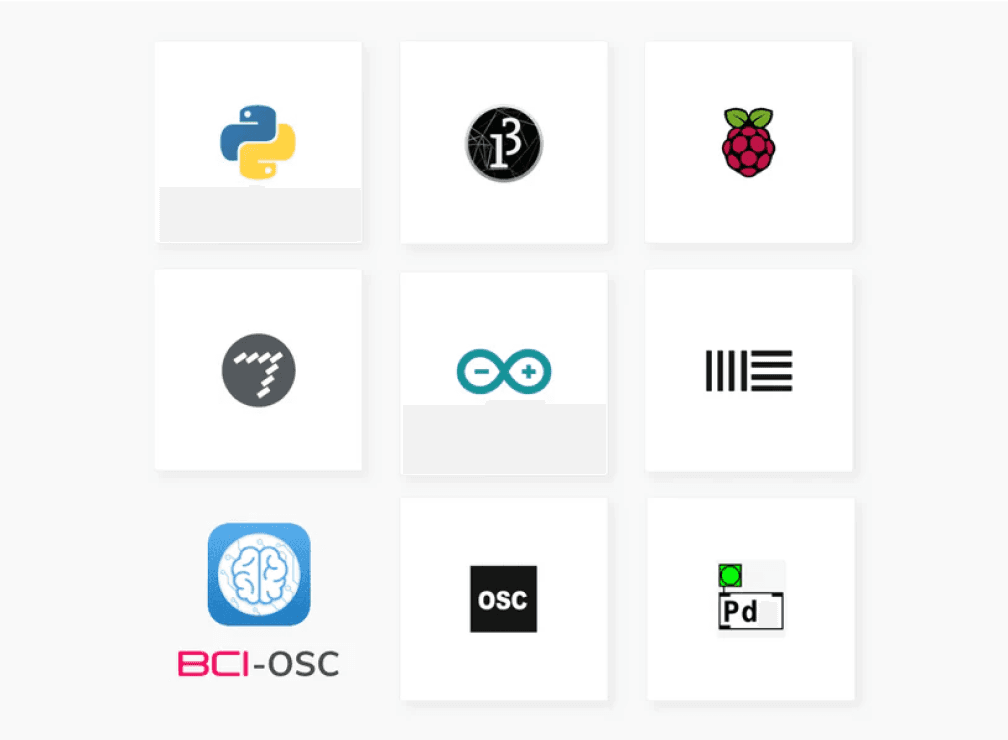
BCI - OSC
Connect your EEG headset to OSC-compatible hardware and creative applications.
A beginner’s guide to BCI
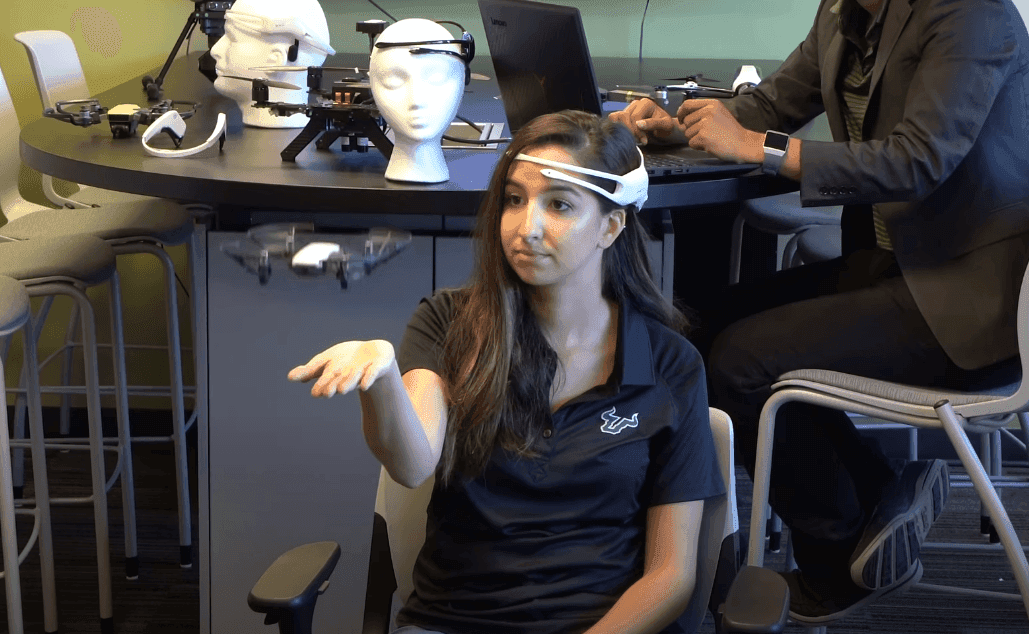

Get Started with EmotivBCI
Learn how to set up, train, and integrate your EEG headset with BCI software—step-by-step.